Unsupported brands
Enode supports a growing list of brands, but your user might still look for one that isn’t in the list. Instead of hitting a dead end, they can tell you which brand they wanted. That turns a drop-off into a clear signal about the coverage your users care about most.
When a user can’t find their brand in Link UI, they can submit it as a request, telling you which brand they wanted.
This works across all asset types, and is available to all clients with no setup required.
Copy linkWhy a brand might be missing
A brand can be absent from the selection screen for one of two reasons. Your user can submit a request in either case:
- It’s supported, but not enabled for your client. This is the most common case, and the most actionable. You control which supported brands appear on the selection screen, so when you see requests for a brand Enode already supports, you can enable it yourself and allow your customers to start linking with it.
- Enode doesn’t support it yet. Your user can still flag the brand, so you can gauge demand and feed it into what we prioritize next.
Copy linkWhere users find it
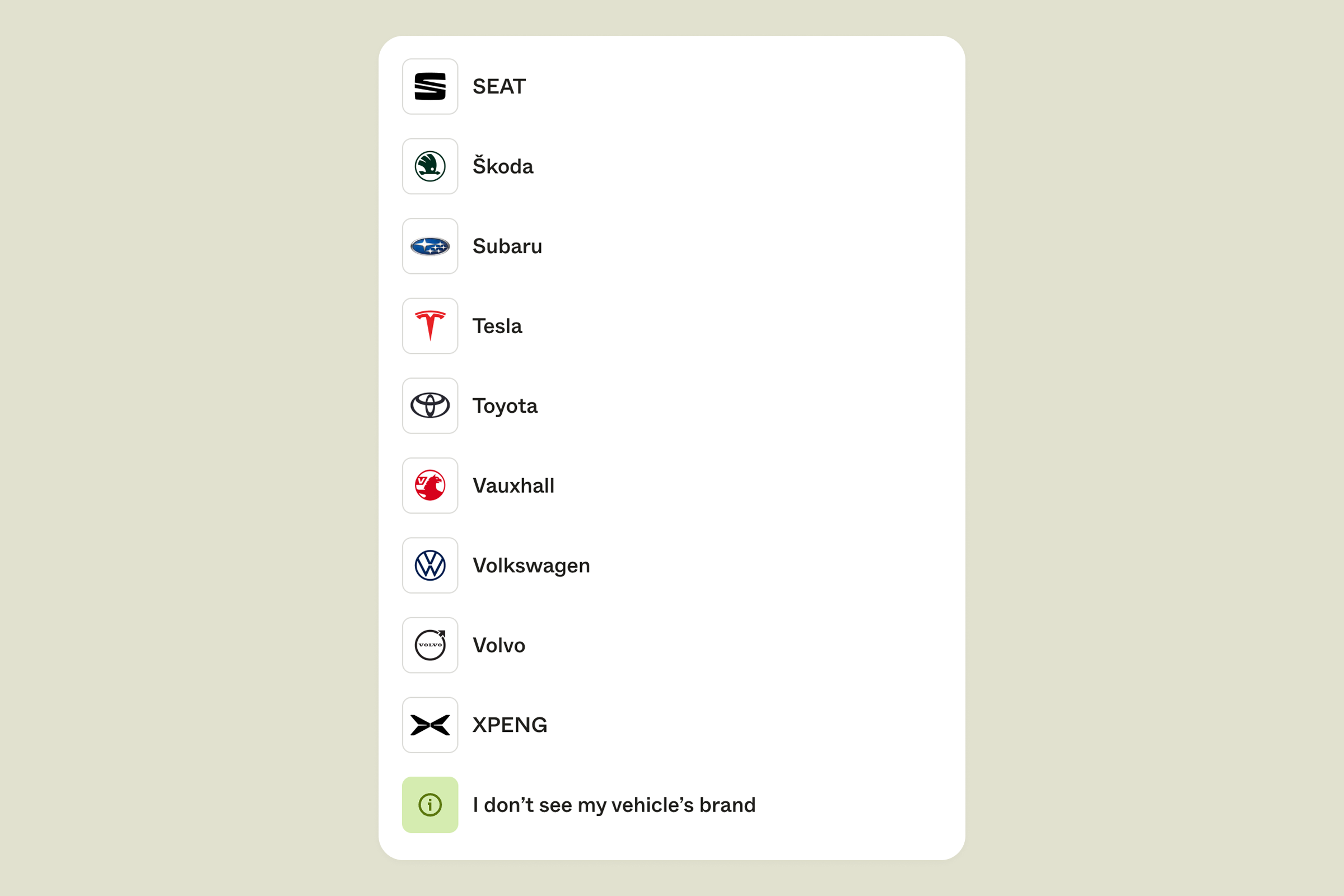
At the bottom of the brand selection screen, your user can tap the I don’t see my brand link to start a request. The exact wording matches the asset type they’re linking, for example I don’t see my vehicle’s brand.
Copy linkThe request form
The form keeps friction low. Only the brand is required, and your user can pick from the suggestions or type their own. Model and year are optional.
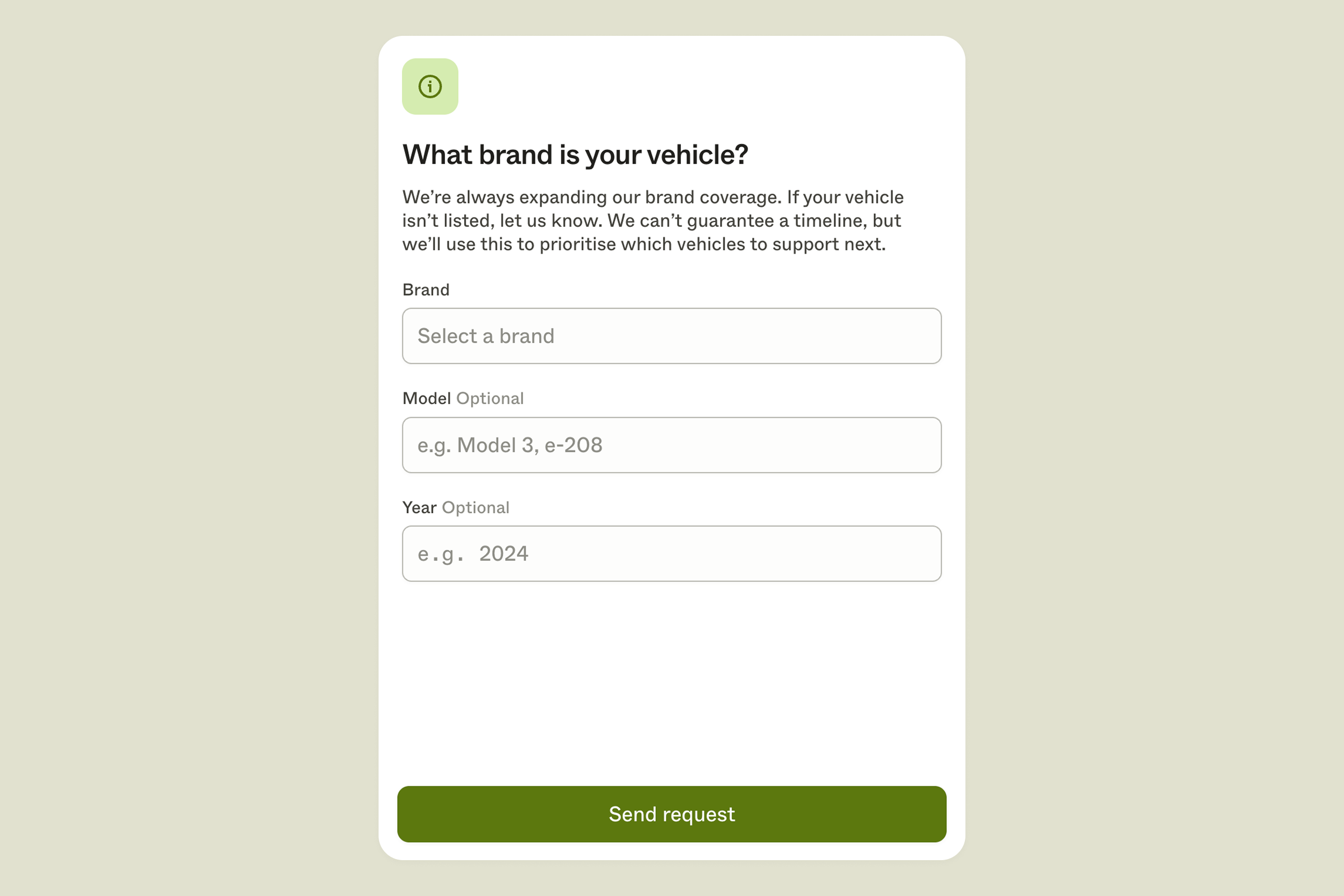
After tapping Send request, your user is redirected back to your app.